plot_isoredshifts
- luminet.black_hole.BlackHole.plot_isoredshifts(redshifts=None, order=0, ax=None, **kwargs) matplotlib.axes.Axes
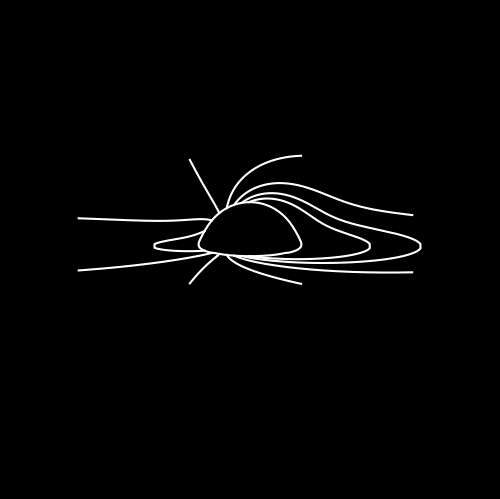
Plot isoredshifts for a list of redshift values
- Parameters:
redshifts (List[float]) – list of redshift values
kwargs (optional) – additional keyword arguments for the
luminet.isoredshift.Isoredshift.plot()method.order (int) – The order of the image to plot siofluxlines for. Default is \(0\).
ax (
Axes, optional) – Axes object to plot on. Useful for when you want to plot multiple things one a single canvas.
Example:
from luminet.black_hole import BlackHole

bh = BlackHole()
redshifts = [-.2, -.1, 0., .1, .2, .3, .4]
ax = bh.plot_isoredshifts(redshifts, c='white')
ax = bh.disk_apparent_inner_edge.plot(ax=ax, c='white')
- Returns:
Axes– The plotted isoredshifts.